
Security Systems, Access Control & CCTV
Commercial CCTV and Access Control Guide
Security systems form part of a building's technical infrastructure. Cameras, access-control readers, door-entry equipment and alarms only help when they suit the site, remain operational and have clear ownership of monitoring and records.
Youngs advertises installation, maintenance and fault finding for commercial CCTV, access control and intruder alarms. This page concerns equipment and its building interfaces; staffed guarding is a separate soft FM service.
01
What security systems are part of hard FM?
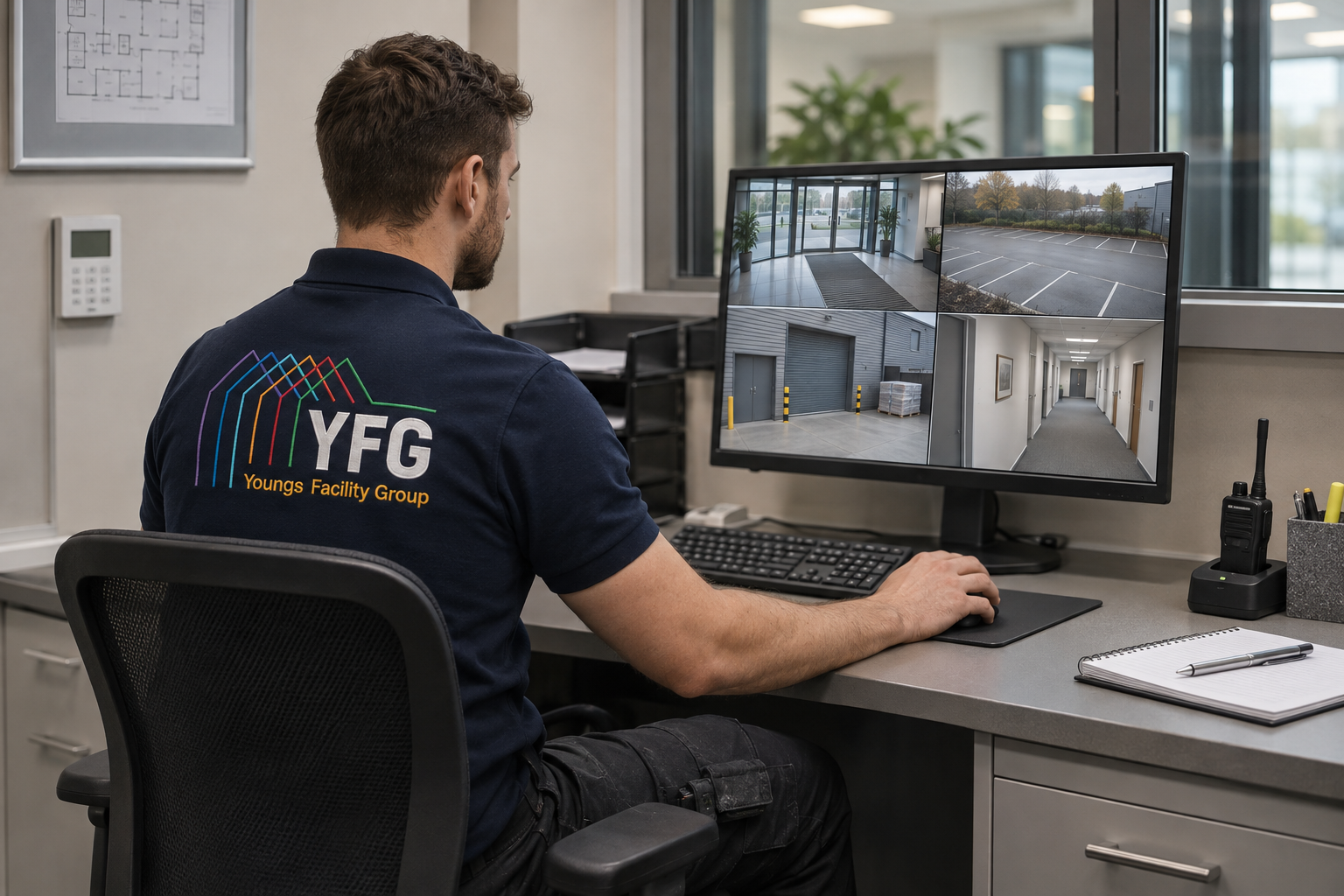
Technical hard FM can include CCTV cameras and recording equipment, access-control readers and controllers, door-entry and intercom systems, intruder alarms, power supplies and associated cabling. The service boundary should distinguish installation and maintenance from monitoring, alarm response and physical guarding.
Youngs lists these technical systems on its security service page. A buyer should identify the existing brands, drawings, credentials and third-party monitoring contracts before requesting a takeover or upgrade.
Key point · 01“
Separate installation and maintenance from monitoring and guarding.
02
Can an existing CCTV system be repaired instead of replaced?
Often, if the fault is limited to a camera, connection, power supply, recorder or configuration and compatible parts remain available. A wider replacement may be preferable where image quality, coverage, cybersecurity or supportability no longer meets the site's needs.
Youngs can investigate the installation within its advertised service. Provide the make and model, which views have failed, recorder access details and any recent changes; avoid replacing cameras before checking cabling and recording equipment.
Key point · 02“
Check cabling and recorders before replacing cameras.
03
How should we choose where CCTV cameras go?
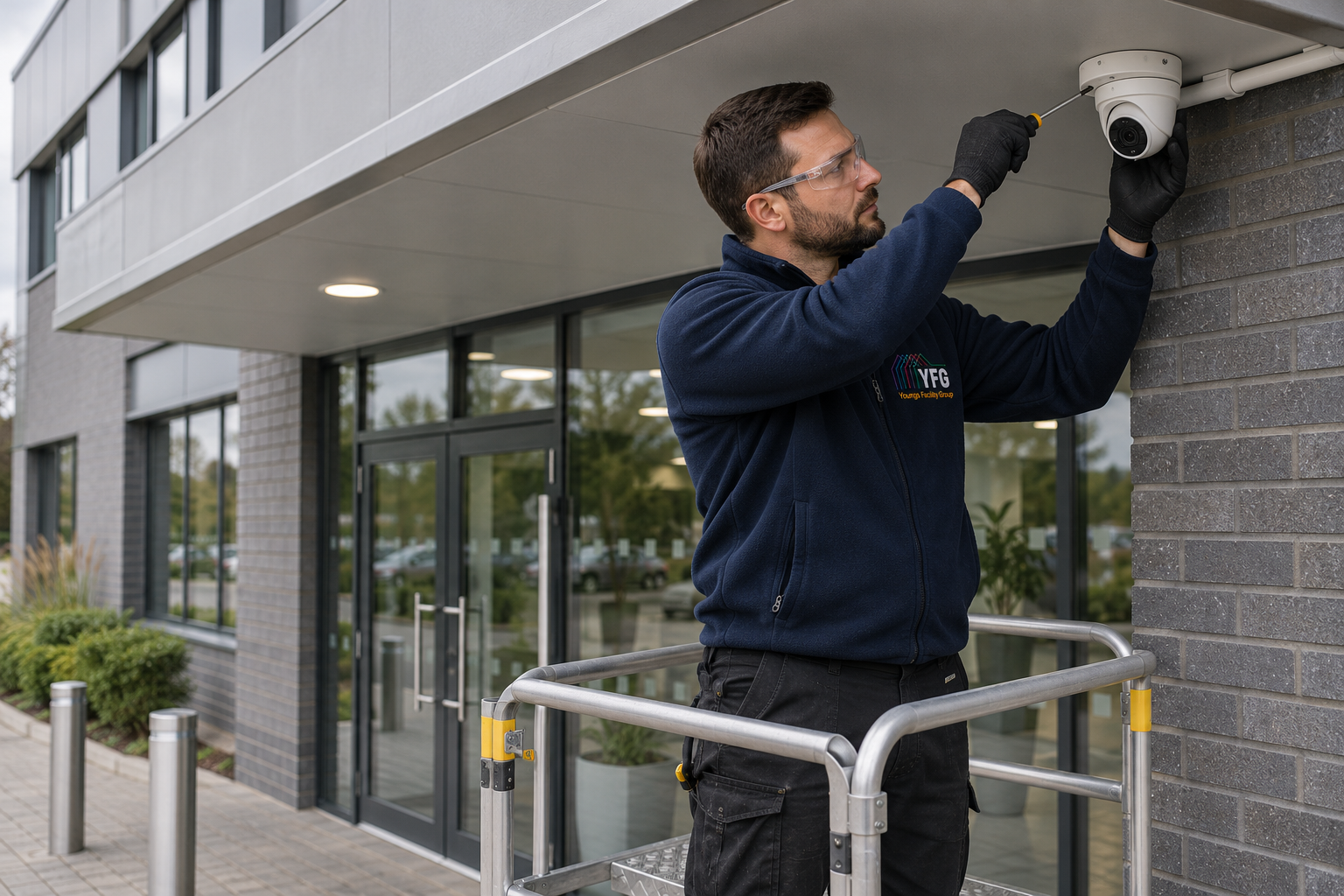
Start with a defined security purpose, the areas to be covered, lighting conditions, privacy impacts and how footage will be used. Camera placement should achieve a useful view without unnecessary capture of neighbouring property or private areas. Storage and access arrangements matter as much as image quality.
Youngs can discuss technical positioning and installation. The organisation operating the system remains responsible for its data-protection decisions, including transparency and retention; ICO guidance should inform the final design.
04
What causes an access-control door to stop working?
A failed reader, controller, power supply, lock release, cabling or door alignment may produce similar symptoms. Check whether the door latches manually, whether credentials fail for one user or everyone, and what happens during a power interruption. Do not compromise an escape route while troubleshooting.
Youngs' door repair and access-control services can be coordinated for faults that cross mechanical and electronic components. Share the opening's function and any immediate security or accessibility issue when requesting support.
Key point · 04“
Do not compromise an escape route while troubleshooting.
05
Can keypads and fobs be added to an existing system?
Possibly, depending on the controller, available capacity, credential format and security policy. Adding a new entrance may also need power, cabling, a suitable lock and a review of how access permissions are managed. Compatibility should be checked before equipment is ordered.
Youngs advertises keypad, fob and entry-system support. Ask for an upgrade plan that covers installation, user administration, handover and what happens if the network or power fails.
Key point · 05“
Check compatibility before ordering new keypads or fobs.
06
How often should CCTV and alarms be maintained?
Frequency depends on risk, the equipment, the site's operating environment and any applicable insurer or monitoring requirements. Practical checks can include camera views, recording, time settings, storage health, alarm signals and backup power. A system that appears switched on may still have stopped capturing usable footage.
Youngs can discuss a planned maintenance scope for these systems. Agree which tests are included, who witnesses them and how faults are reported, particularly across a multi-building estate.
Key point · 06“
A system that looks switched on may not be recording.
07
Who can view CCTV recordings in a business?
Access should be limited to authorised people for defined purposes, with suitable security and records. Retention should follow a reasoned policy rather than an arbitrary promise that footage is kept indefinitely. Requests for footage and incidents need a documented process.
Youngs can maintain the technical equipment, but the customer controls its data policies and permissions unless a specific service agreement says otherwise. Review ICO guidance and obtain specialist advice for complex surveillance arrangements.
08
Can CCTV and access control share the same network infrastructure?
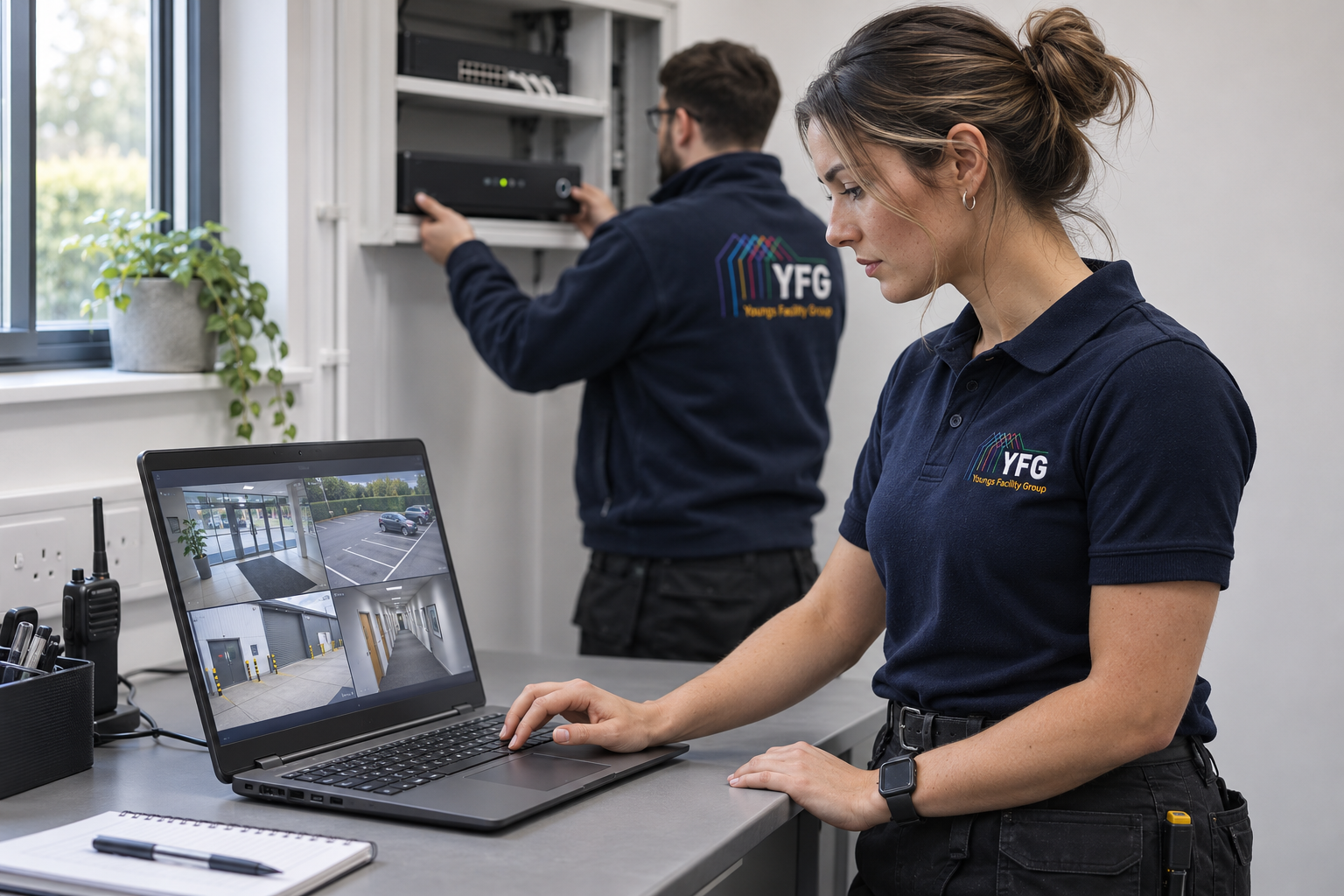
They may use a common structured cabling and network environment, but bandwidth, power, segmentation, resilience and security need proper design. A camera system that overloads an office network or depends on a single vulnerable switch can create new operational risks.
Youngs offers cabling and network infrastructure alongside security systems. Ask for a plan that identifies equipment locations, cable routes, power, recording, responsibilities and handover documentation.
Key point · 08“
Shared networks need proper design for bandwidth and security.
09
What should happen when an intruder alarm develops a fault?
Establish whether the building remains protected and whether a monitoring provider or insurer needs notification. A fault may involve a detector, battery, panel, communication path or user setting. Temporary arrangements should be documented if protection is reduced.
Youngs advertises alarm fault finding and repair. Give the panel details and fault messages, recent maintenance history and access arrangements, while keeping sensitive codes out of an ordinary web form.
Key point · 09“
First establish whether the building is still protected.
10
How do we plan a security system upgrade without disrupting access?
Survey the current system, document doors and cameras, agree the new design and phase cutover. Critical entrances may need a temporary access procedure while hardware is changed. Test the full user journey and emergency arrangements before handover.
Youngs can coordinate the system work with door and cabling services in its scope. Define who manages credentials, training, privacy documentation and any third-party monitoring so a technically complete installation also works in daily use.
Key point · 10“
Test the full user journey before handover.