
Telecoms Cabling & Network Infrastructure
Commercial Data Cabling and Network Infrastructure Guide
Reliable connectivity depends on the physical routes, terminations, cabinets and network points behind the screens. When a connection fails, the fault may lie in cabling, active equipment or a service provider; good diagnosis prevents unnecessary replacement.
Youngs advertises telecoms and data cabling, structured cabling, patch panels, cabinets and network fault finding for commercial and public-sector premises. The work can be coordinated with refurbishments, security systems and occupied-building access.
01
What is structured cabling in a commercial building?
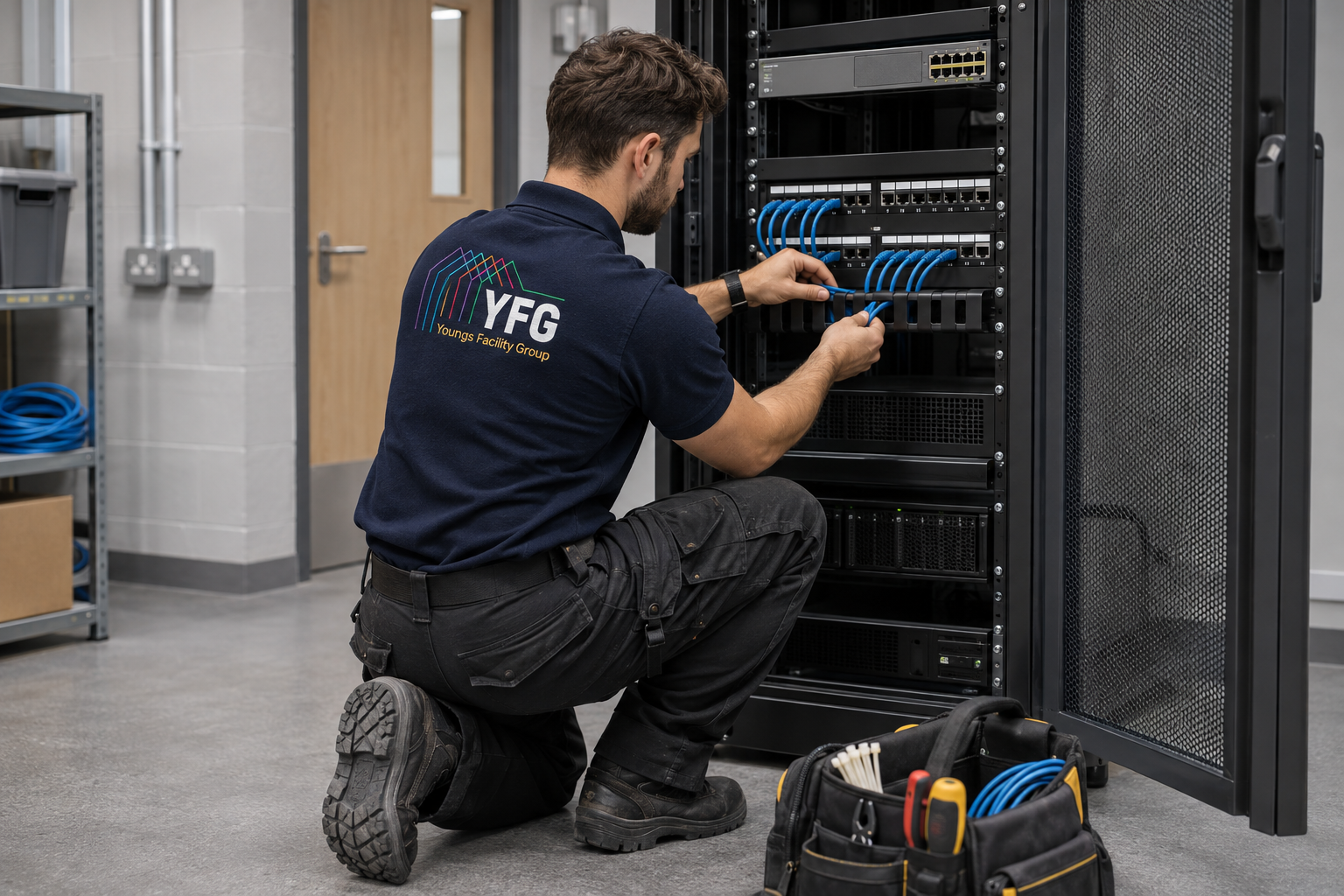
Structured cabling is an organised system of permanent cable runs, outlets, patching and distribution points designed to connect devices across a building. Labelling and documentation make moves and fault finding easier. The right design depends on distances, capacity, routes and intended equipment.
Youngs lists structured cabling installations as part of its service. Ask for a site survey and a plan showing routes, outlet locations, cabinet capacity and how the installation will be tested and handed over.
Key point · 01“
Labelling and documentation make moves and fault finding easier.
02
Can new data points be added to an existing network?
Usually, if there is a suitable route, cabinet space, spare ports and enough capacity for the intended device. A new socket may also require an active switch port or power-over-Ethernet capacity. The point should be labelled at both ends and tested after installation.
Youngs advertises additional network points and cabling runs. Tell the team what the point will serve and where it is needed, rather than requesting “another socket” without the operational requirement.
Key point · 02“
Label every new point at both ends and test it.
03
How do we tell whether a connectivity fault is the cable or the network?
First establish the fault's scope: one outlet, one area, many devices or the whole site. Check recent changes and whether known-good devices work elsewhere. A technician can then test the physical link and terminations before concluding the active network or external service is at fault.
Youngs can investigate cabling and associated infrastructure within its scope. Coordinate with your IT team or provider so each party has access to the information needed and a clear boundary for the repair.
04
When should old data cabling be replaced?
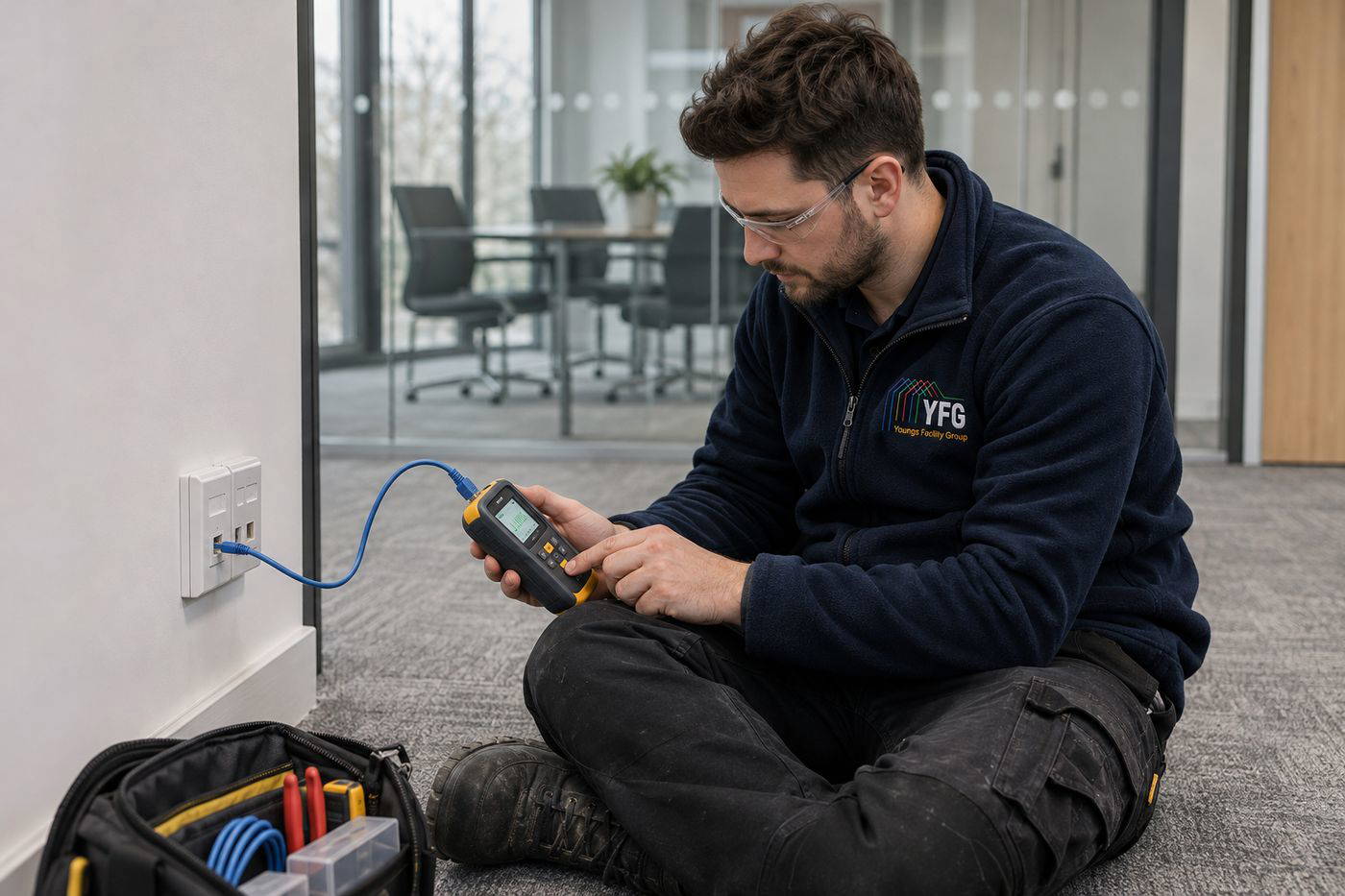
Consider physical condition, documented performance, bandwidth needs, failed tests, crowded pathways and whether changes to the site make the layout unsuitable. Age alone is not proof of failure, but poorly labelled or damaged runs can make every fault slower to resolve.
Youngs can review the physical installation and propose targeted repairs or a phased upgrade. Request evidence of the reason for replacement and how service will be maintained during cutover.
Key point · 04“
Age alone is not proof of failure.
05
What should be included in a data cabling quote?
Specify outlet counts and locations, cable type and route assumptions, containment, fire stopping where required, cabinet and patching work, testing, labelling, drawings and making good. Identify out-of-hours work, access equipment and any interface with the IT provider.
Youngs can quote against a surveyed scope. A clear schedule reduces variation when work starts in an occupied building with concealed routes and limited access to risers or ceilings.
Key point · 05“
A clear schedule reduces variations once work starts.
06
Can cabling be installed while staff are working?
Often, with safe segregation, agreed access to ceiling voids and cabinets, and short cutover windows. Drilling, dust, noise or moving furniture may still disrupt nearby staff. Some connections cannot be interrupted during business hours.
Youngs says it works in live environments. Supply a room and cabinet access plan, along with essential systems such as phones, clinical devices or production terminals, so these can be protected during the work.
Key point · 06“
Cabling can go in around staff with short cutover windows.
07
Why do network cabinets need maintenance?
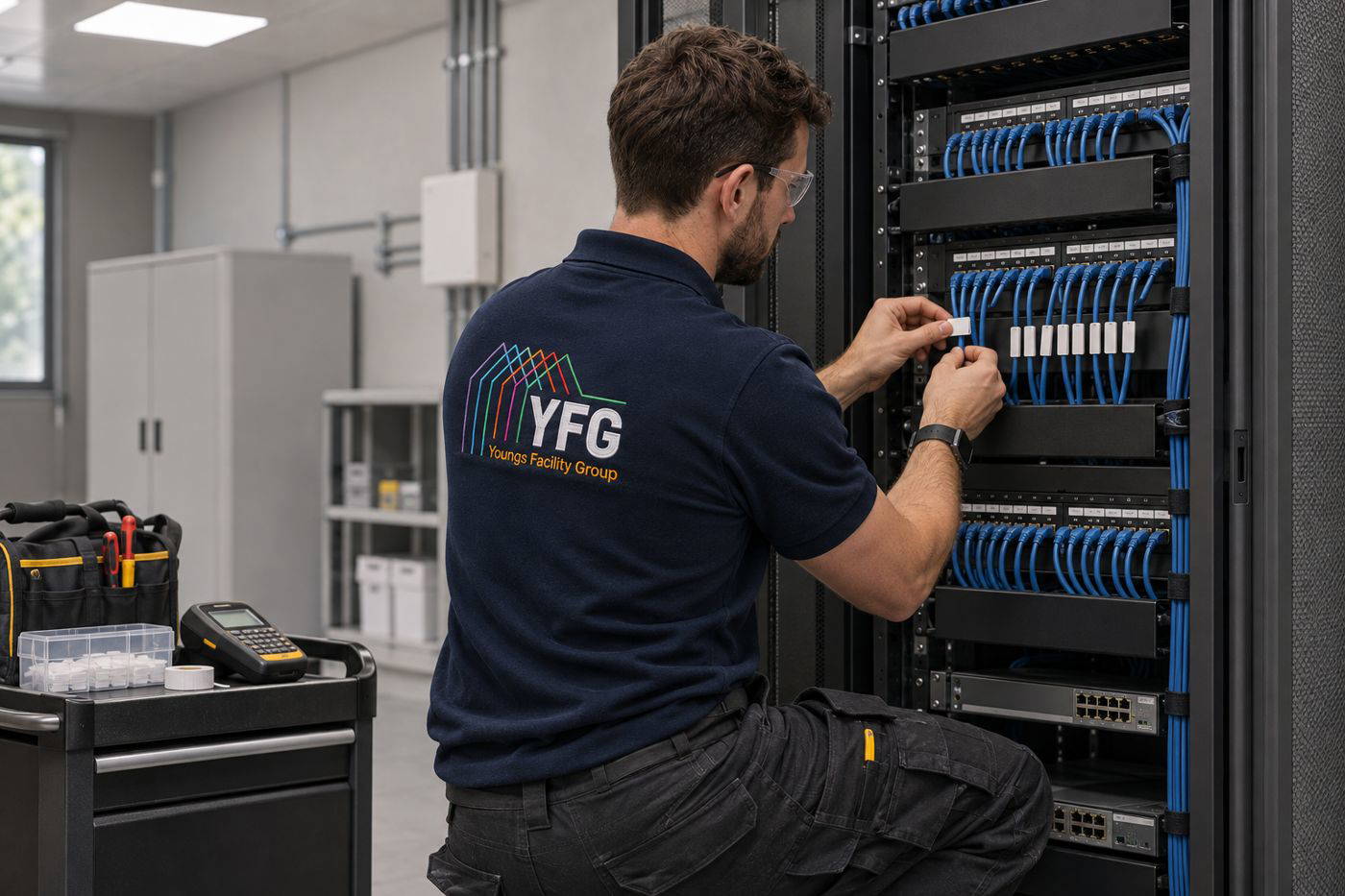
Overcrowded or poorly labelled patching makes troubleshooting difficult and can obstruct airflow or safe access. Physical maintenance may involve checking cabinet condition, cable management, labelling and connections; live equipment changes should be coordinated with the IT owner.
Youngs lists patch panels and cabinet connections in its scope. Agree who may change switch ports or configurations, and make sure the handover record matches the as-built arrangement after any changes.
08
Can one cabling system support CCTV, access control and office devices?
A shared cabling estate may support several services, but each has different power, bandwidth, security and resilience needs. Planning should cover network separation, equipment rooms and who manages faults. An apparently simple camera addition can require extra switch and storage capacity.
Youngs can coordinate cabling and security system works. Bring IT and security stakeholders into the survey so the physical installation and the active network design agree.
Key point · 08“
Each service has different power, bandwidth and security needs.
09
What tests should follow a new cable installation?
The appropriate verification depends on cable and specification, but a handover should identify each run and provide relevant test results, labels and as-built information. A simple demonstration that a device connects is less useful than a record that can support future changes and fault finding.
Ask Youngs to state the proposed test standard and deliverables in the quotation. Keep the results with cabinet drawings and asset records, not only in an email to the project manager.
Key point · 09“
Test records are more useful than a simple connection demonstration.
10
How do we plan cabling for a refurbishment?
Map current and future users, desks, devices, wireless access points, security equipment and spare capacity before finishes go back on. Coordinate routes with electrical, fire-stopping and fabric work. Leaving cabling until the end can mean reopening ceilings and walls.
Youngs offers both cabling and refurbishment services. A combined survey can sequence containment, first-fix installation, testing and making good with fewer avoidable visits.
Key point · 10“
Plan cabling before the finishes go back on.